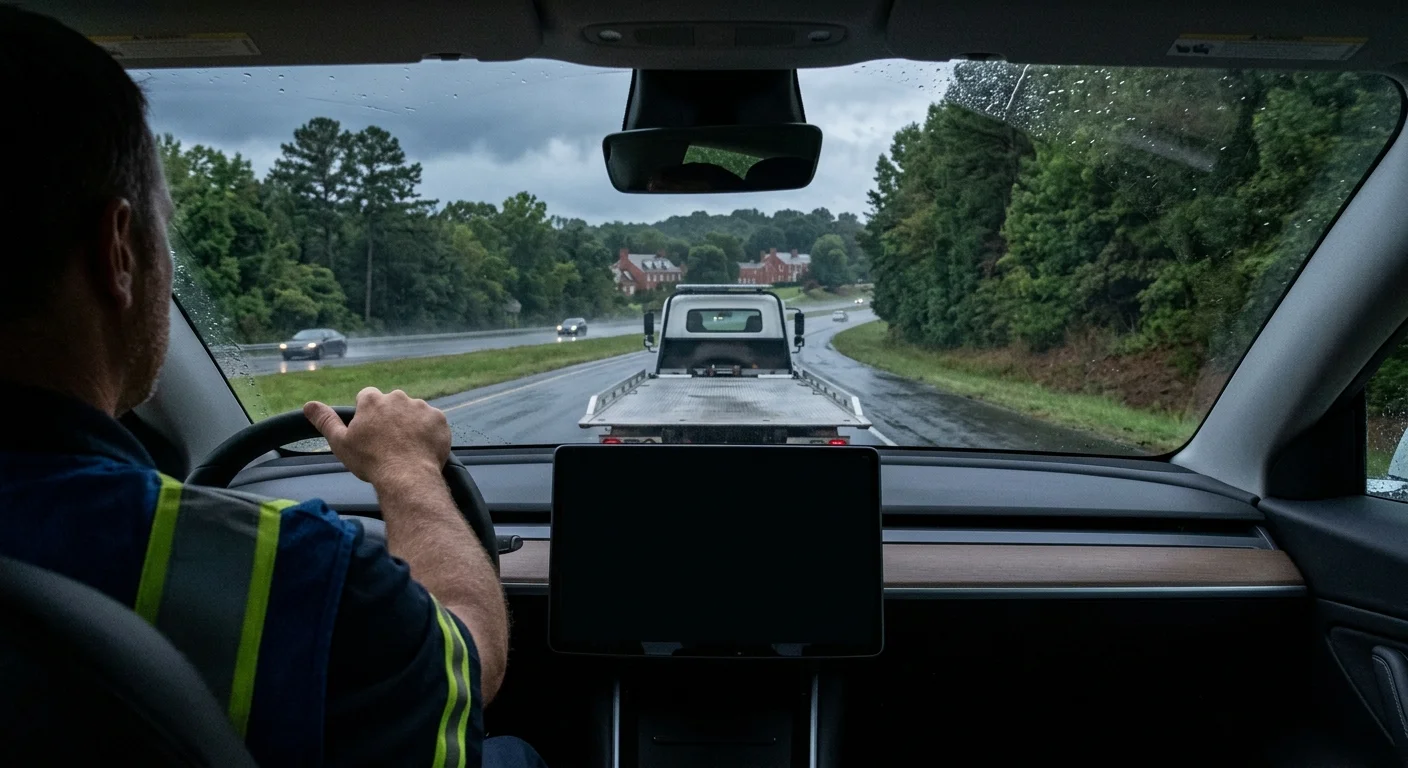
A disabled Tesla can show one term while an operator uses another. Tesla transport mode vs tow mode isn’t a choice between interchangeable settings. Transport mode assists with controlled loading, while “tow mode” is conventional shorthand that doesn’t neatly describe an electric drivetrain.
Check your car’s in-car manual before changing any setting. The correct instructions can differ by model, trim, and installed software.
Tesla transport mode vs tow mode: the practical difference
Transport mode is a loading aid within the vehicle. It releases the parking brake so the car can roll a short distance onto a towing deck. It isn’t a general instruction to pull the car along the road.
“Tow mode” comes from conventional towing language. Someone may use it casually when they mean transport mode. They may also mean the complete setup required to move the vehicle. Those aren’t necessarily the same thing.
That difference matters when you’re speaking with an operator. If you’re asked to select tow mode, ask what function they need. They may need the car to roll during deck loading. Don’t search through unfamiliar controls based only on the wording.
The in-car manual is the authority for your specific Tesla. Look there for the current name, availability, and operating instructions. A menu sequence copied from another car may not match yours. Software changes can also affect where information appears.
Transport mode doesn’t answer every towing question. It doesn’t tell you which towing method your car requires. It also doesn’t replace the operator’s assessment of the vehicle, its condition, and the loading area.
Our guide to whether Teslas can be towed normally explains that broader distinction. For the immediate problem, keep it simple: confirm the requested function, then follow your car’s own manual.
What transport mode does during loading
A disabled car may need to roll before it reaches the towing deck. Transport mode allows that short, controlled movement by releasing the parking brake. Think of it as help for positioning, not permission for ordinary road towing.
The setting matters most when the Tesla won’t move under its own power. The operator may need to align the car with the deck before loading it. The car still needs a towing method suited to its current condition.
Don’t borrow a speed or distance limit from a video, forum, or different Tesla. Those details aren’t interchangeable between every model and software version. Read them directly from the manual available in your car.
The same caution applies to menu directions. A familiar-looking touchscreen doesn’t prove that another Tesla’s instructions match yours. If the manual doesn’t show transport mode, don’t substitute a setting with a similar name.
Once the operator arrives, tell them what the screen displays. Mention whether the car responds to controls and whether transport mode appears available. That gives the operator useful information without asking you to diagnose the drivetrain.
If your manual calls for deck transport, our flatbed towing overview explains how that service fits into a recovery. The vehicle’s manual remains the deciding source for loading instructions. When the screen and manual don’t agree, stop and let the operator evaluate the car.
Why an operator may request transport mode
The operator needs control while positioning the car for loading. A locked parking brake can prevent the car from rolling into place. Transport mode addresses that specific part of the job.
Enabling it doesn’t mean the entire towing plan has been confirmed. The operator still needs to consider where the car stopped, its wheel position, visible damage, and access around it. A Tesla in a parking garage presents a different loading problem than one beside I-295.
Share the condition of the car before trying any setting. Say whether the display works, whether the vehicle responds, and whether any wheel appears blocked or damaged. Don’t force a control or move the car because a generic online instruction says it should work.
You can also ask the operator to describe the planned move. Confirm whether they want the car to roll only during loading. Then compare that request with the instructions in your in-car manual.
Quick Tow Richmond connects callers with independent licensed operators. Those operators contract with and bill the driver directly. Our Tesla and EV towing page explains how the referral service works.
Clear wording helps during that call. “The screen works, but I haven’t changed any setting” is useful. So is “The screen isn’t responding, and I can’t confirm transport mode.” Both descriptions let the operator prepare without turning your guess into part of the loading plan.
When the car has no power
A dark or unresponsive display changes the situation. You may not be able to reach transport mode or confirm what state the car is in. Don’t assume the vehicle is ready to roll just because a setting can’t be displayed.
Avoid repeating button sequences taken from an unrelated video. Don’t push, drag, or load the car based on instructions for another model. Tell the operator that the display is unavailable and transport mode hasn’t been confirmed.
Provide details you can observe without guessing. Describe where the car sits, which direction it faces, and whether the wheels appear straight. Mention visible collision damage or restricted access around the vehicle. If you’re in a garage, tell the operator about the entrance and the car’s position inside it.
The operator can then evaluate the loading problem against your vehicle’s manual. The correct approach may depend on the exact car and its current condition. That decision shouldn’t rest on a generic “tow mode” label.
If the manual is accessible through another official copy you already have, use the section for your exact vehicle. Don’t substitute directions from a different model, trim, or software version. When no matching instruction can be confirmed, say so plainly.
An unpowered screen isn’t a reason to improvise. It’s a reason to pause and involve a licensed towing professional. Protecting the car starts with an accurate description of what does and doesn’t work.
First steps on a Richmond shoulder
Traffic risk comes before touchscreen settings. If the Tesla is in a live lane, anyone is injured, or the scene feels immediately dangerous, contact emergency services. Don’t stand beside moving traffic while trying to find transport mode.
On I-95, I-64, and I-295, VDOT Safety Service Patrol provides free roadside assistance and incident management. The patrol isn’t a towing company. It can help move a disabled vehicle away from traffic and help the driver arrange a tow.
Check 511 Virginia for official, real-time traffic and road conditions. Give the operator your route, direction of travel, and a clear nearby landmark or exit. “I-64 near Richmond” leaves too much uncertainty during a roadside recovery.
Location detail matters around the downtown I-95/I-64 overlap. A VDOT-authored study describes that stretch, from the Bryan Park area toward the James River, as one of the region’s highest-crash and heavily congested corridors. Conditions there can change quickly around ramps and merging traffic.
Once you’re away from immediate traffic danger, check the in-car manual. Don’t search for a menu while walking near an active lane. Tell the operator whether the screen works and whether you found instructions for your exact car.
Quick Tow Richmond’s line takes calls around the clock by a recorded system. A recording notice plays before your message is recorded and transcribed. Leave your location, callback number, vehicle details, and whether transport mode is available.
When to call us
If the Tesla won’t drive, its screen is unavailable, or the loading instructions remain unclear, the move needs a licensed towing professional. Quick Tow Richmond matches drivers with independent licensed operators, who contract with and bill drivers directly. Call us at (804) 701-6752.